 ShortcutWall
Shortcut wall
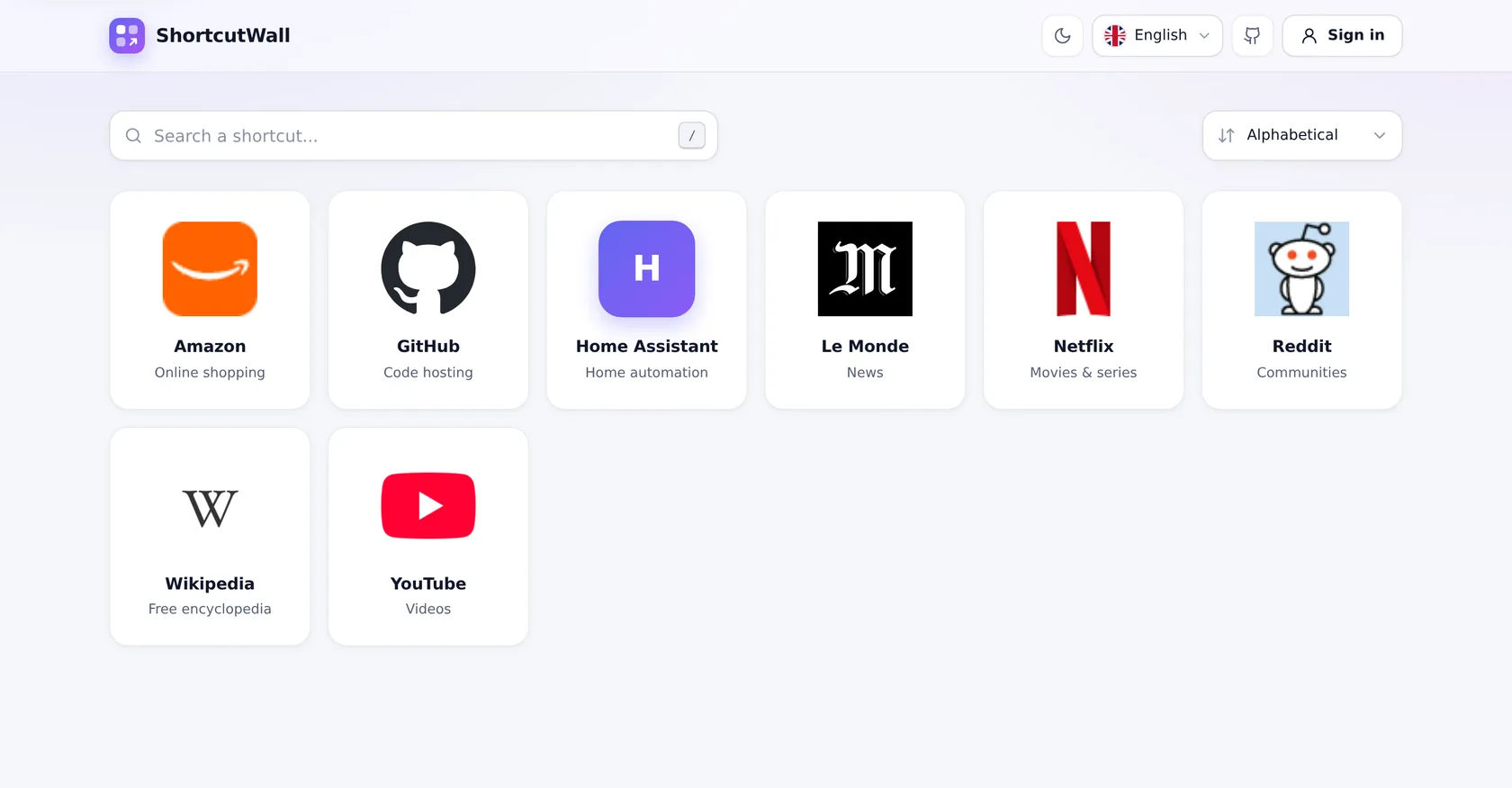
Large cards with logo, name and description. One click opens the site.
ShortcutWall is a self-hosted page of website shortcuts with their logos, and a simple admin area to manage them. One Docker image, ready in a minute.
No database, no account to create for visitors: a JSON file, your logos, and a fast page.
Large cards with logo, name and description. One click opens the site.
Press / to search names, descriptions and domains; sort A–Z or by most recent.
Finds the best icon a site offers, SVG included, and stores it in the app at 256 px. No broken images, no hotlinking.
Your router, NAS or Proxmox on the local network or a VPN, self-signed certificates included.
Add, edit and delete without leaving the list. A deletion can be undone for 15 s.
One JSON file with every shortcut and its logos, to back up or move an install.
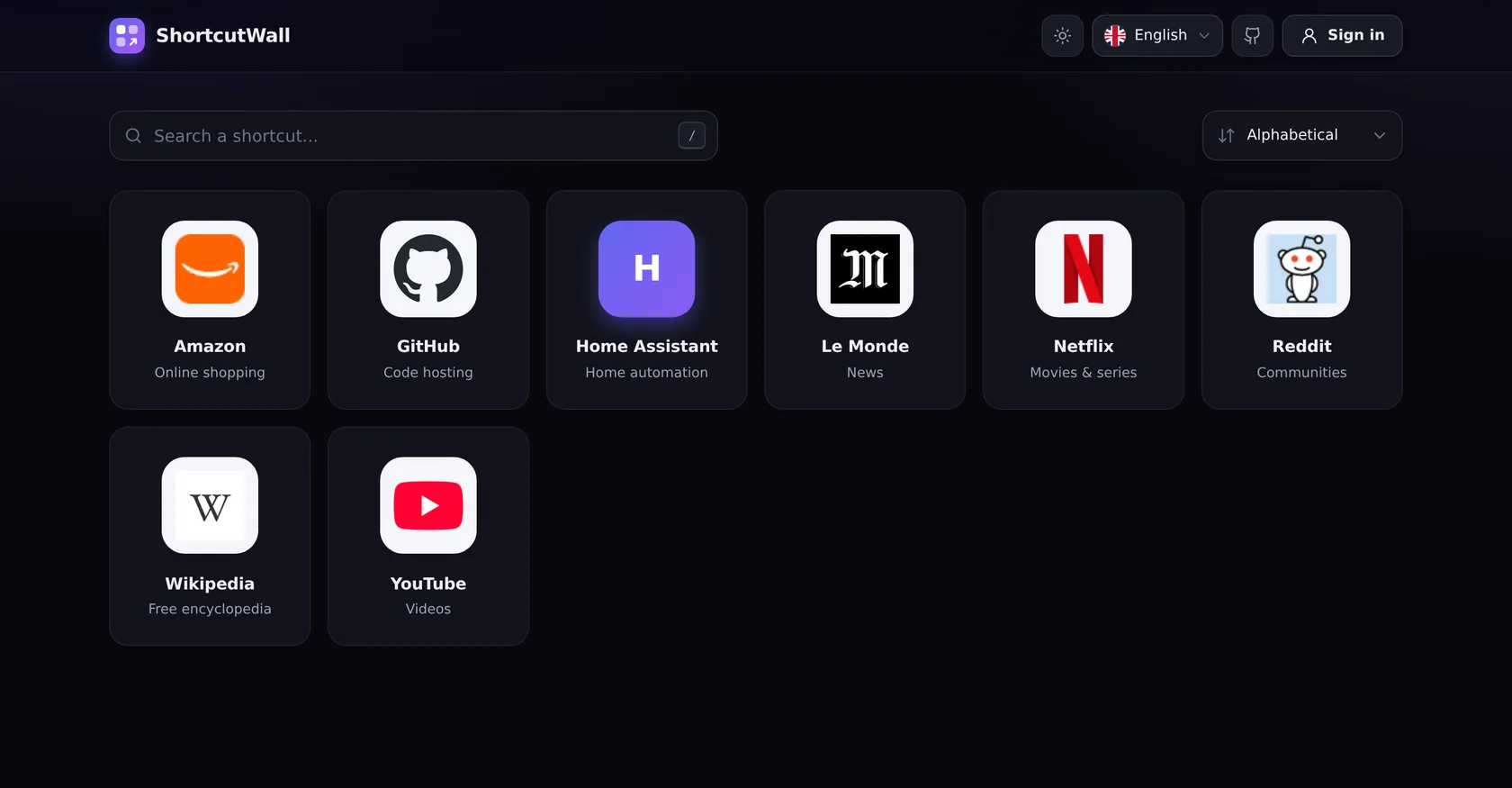
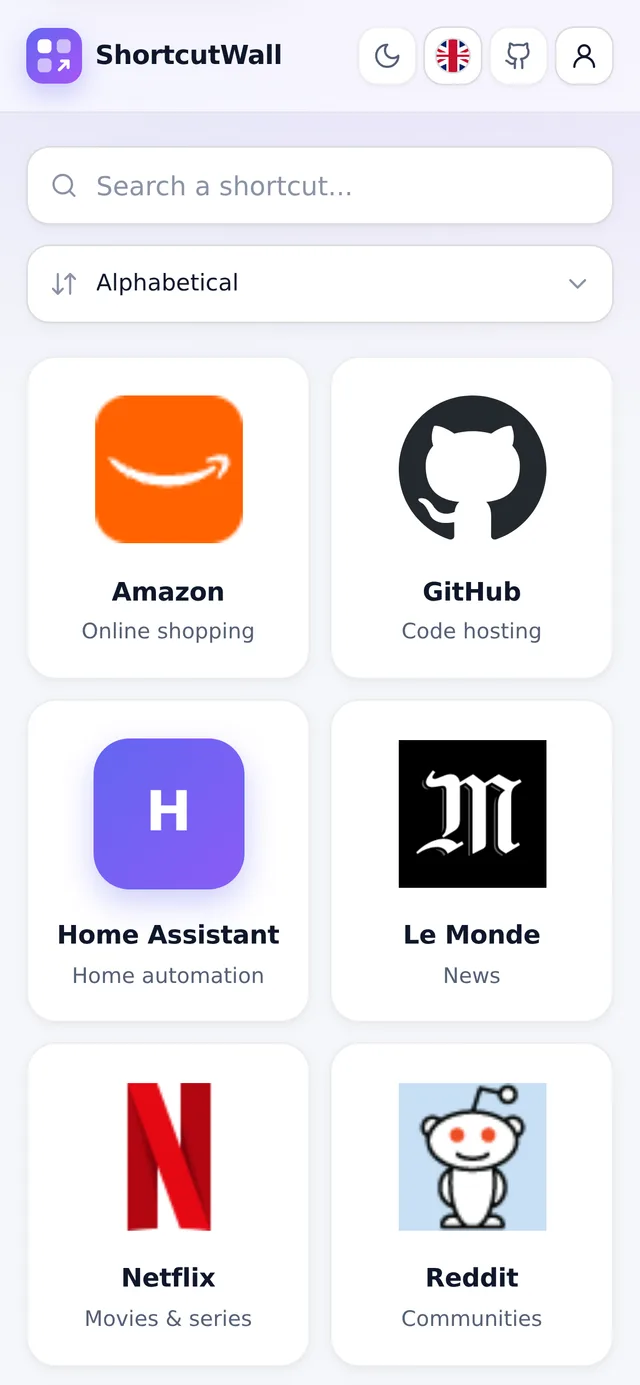
Follows the system theme, in French or English, on any screen size.
CSRF tokens, strict CSP, login rate limiting, SSRF guard, non-root image. No default password.
Type the address, click “Fetch favicon”, done. Everything happens in a dialog, without losing your place.
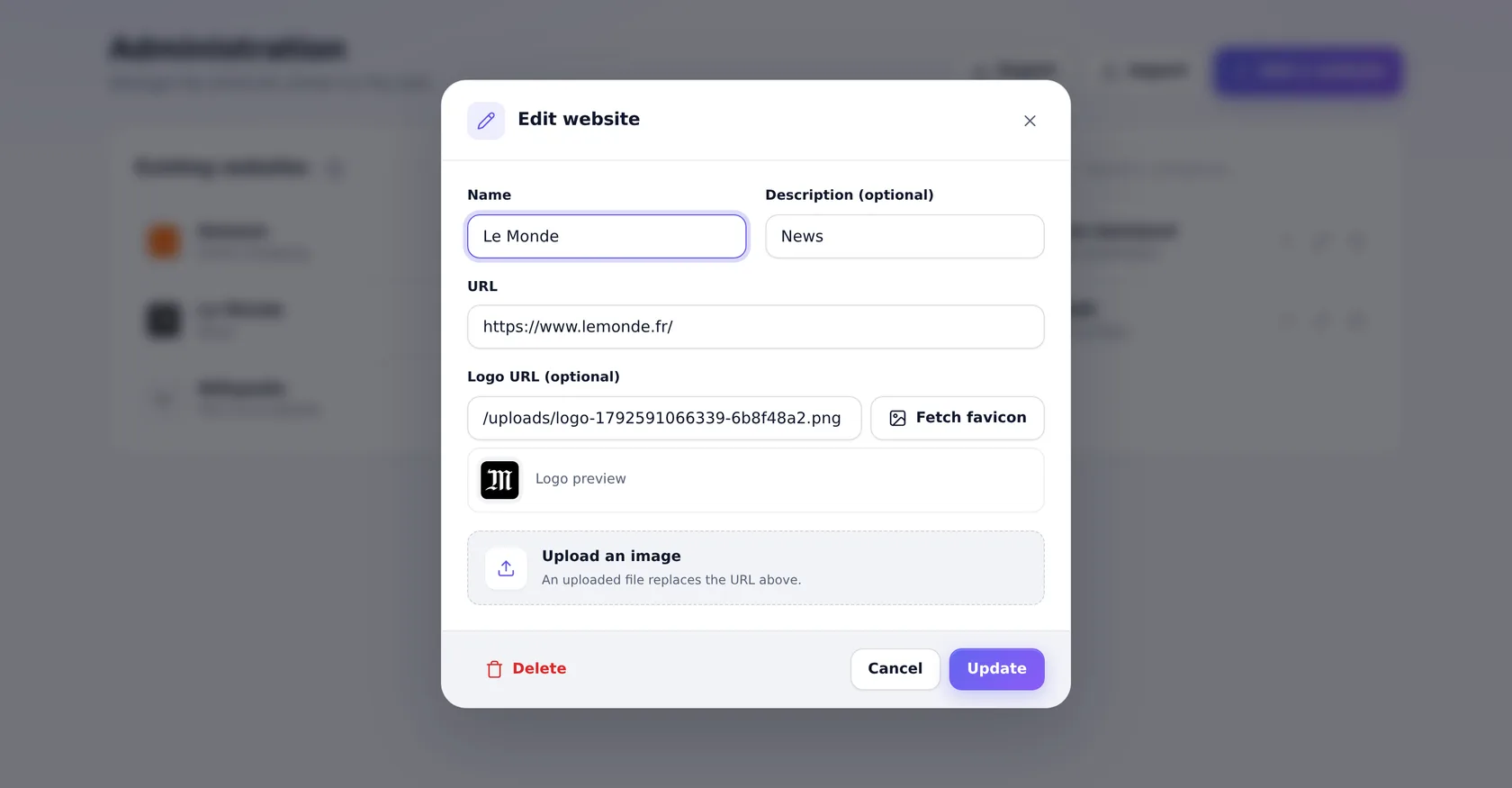
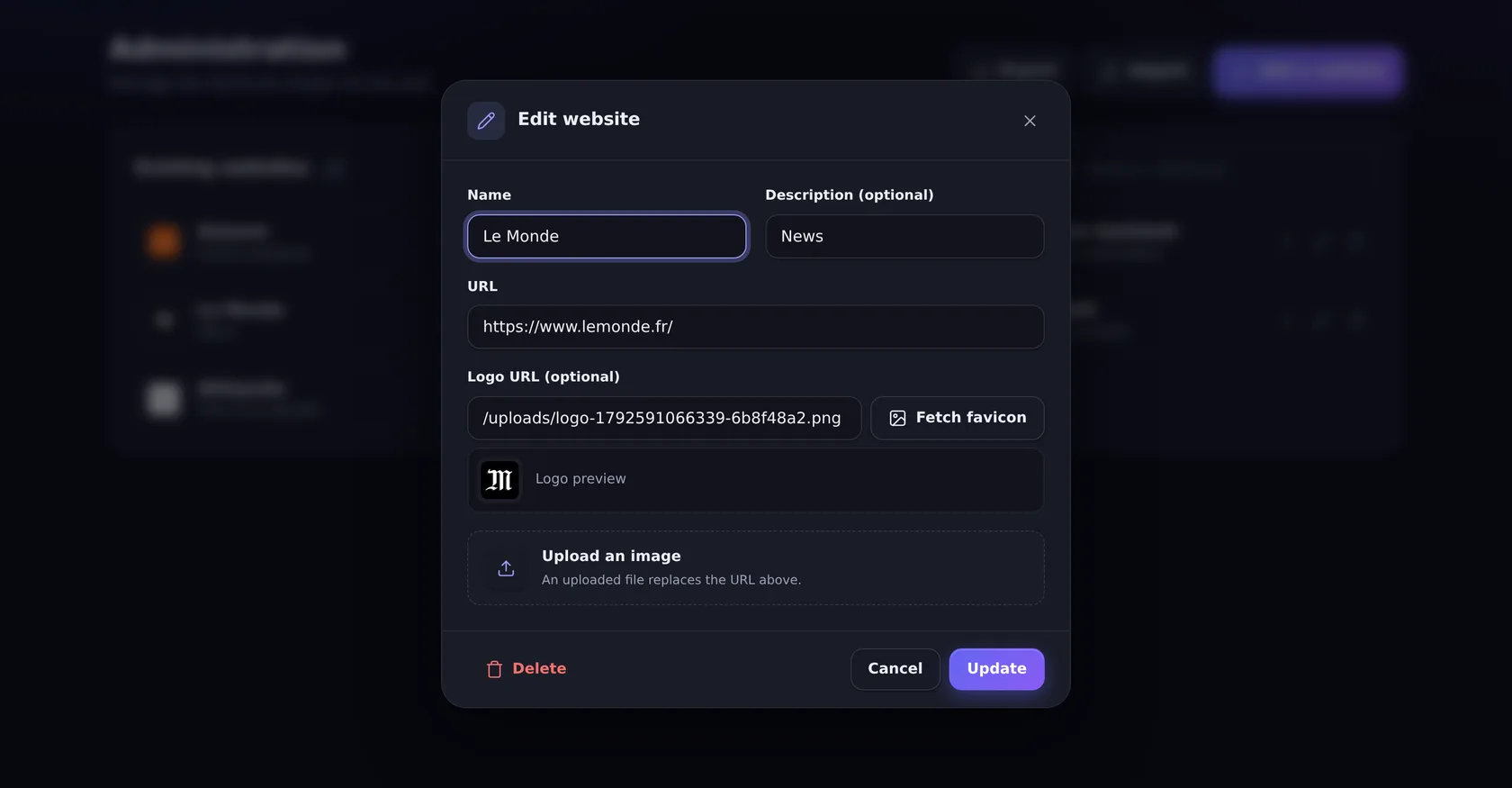
Private addresses (192.168.x.x, 10.x.x.x, Tailscale…) are allowed. Internal sites with a self-signed certificate are accepted, public sites are always verified.
http://192.168.1.254
https://nas.lan:5001
https://10.0.0.5:8006
http://100.88.12.4:8123
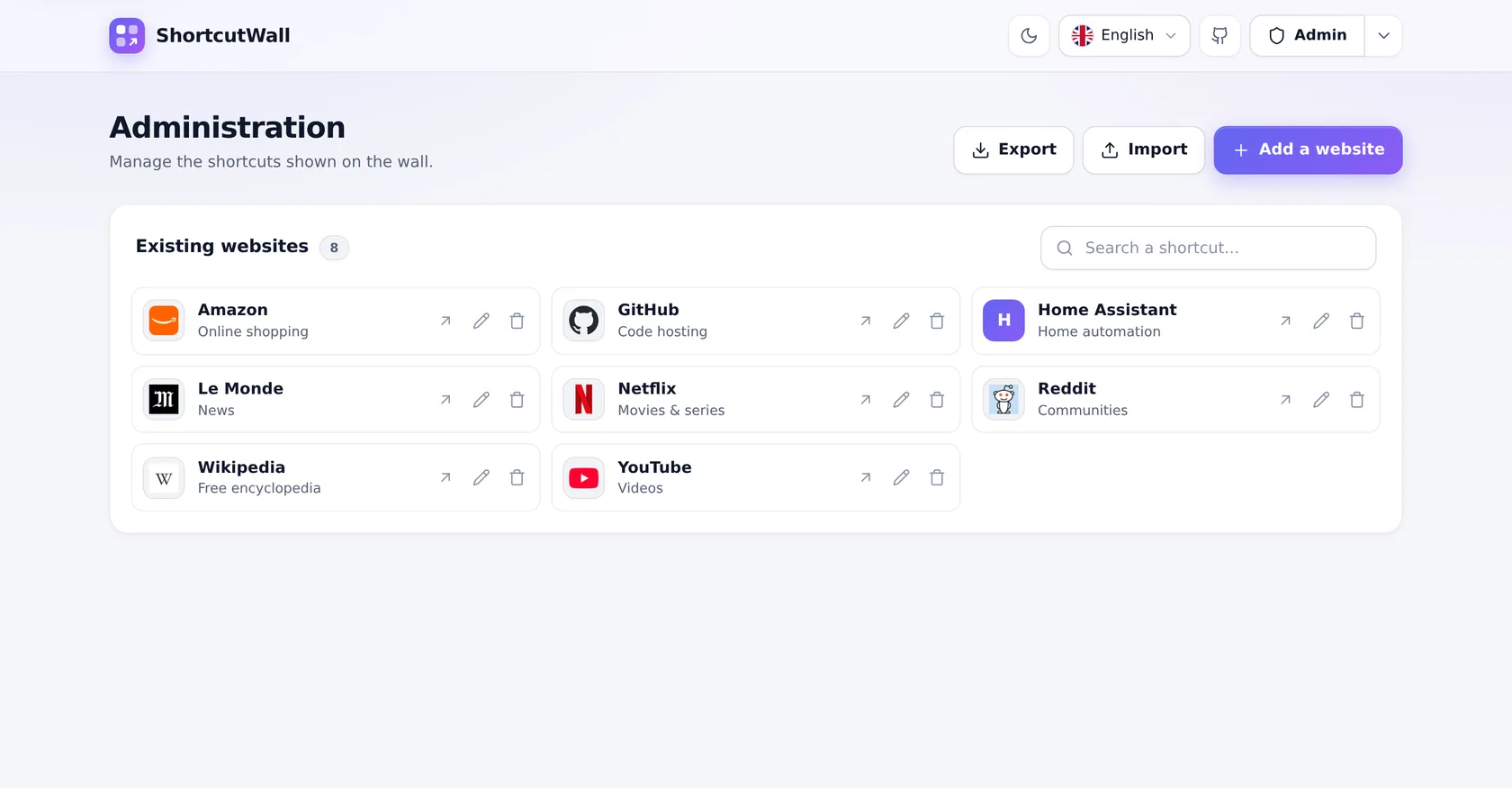
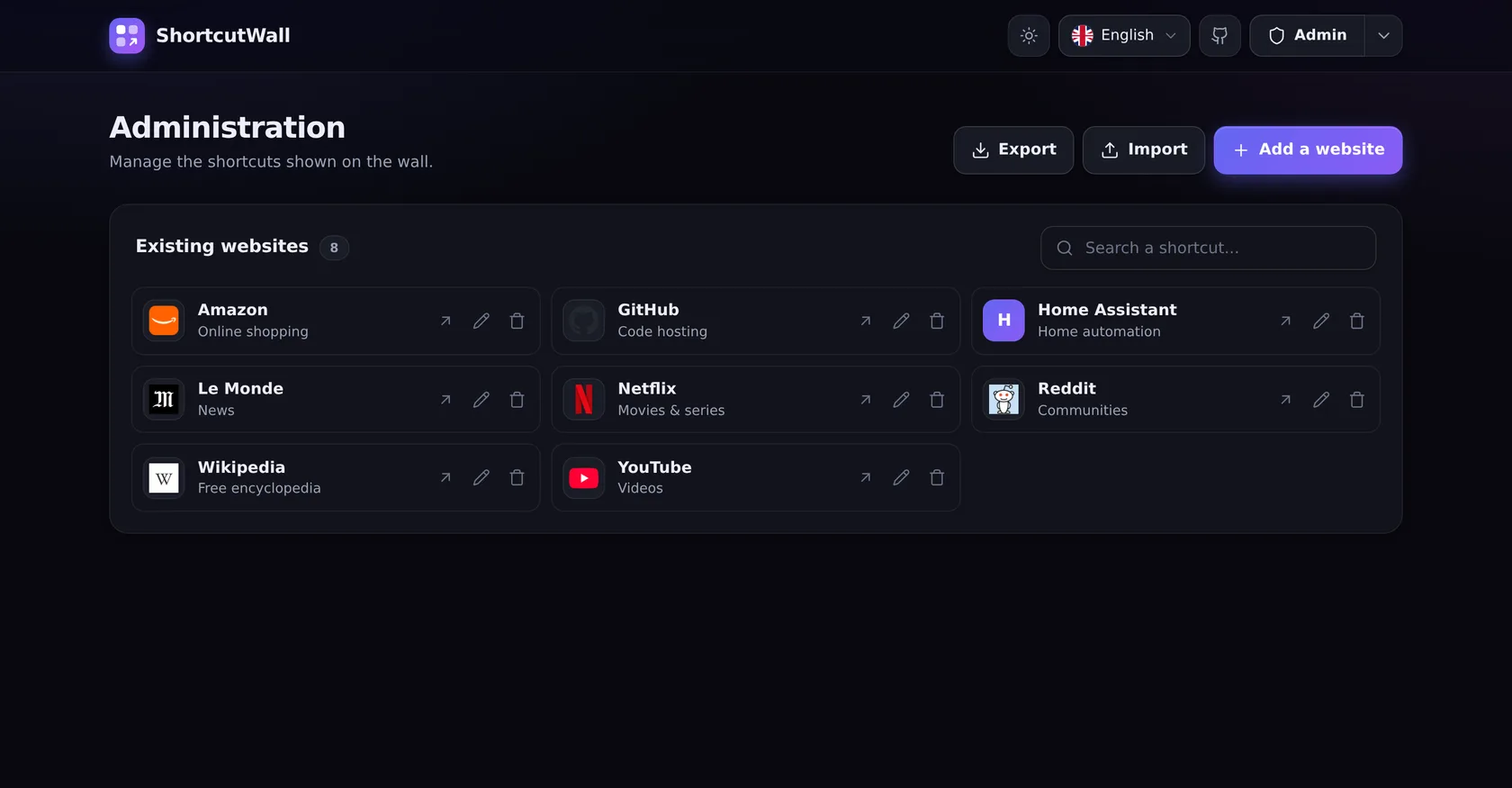
The theme follows the system and can be switched in one click. Drag the slider to compare.
A compact list to search, edit, export or import. Replacing everything with a backup can be undone for 15 seconds.
A prebuilt image for linux/amd64 and linux/arm64 (Raspberry Pi). All you need is Docker with Compose.
services:
  shortcutwall:
    image: ghcr.io/mrddream/shortcutwall:latest
    container_name: ShortcutWall
    ports:
      - "${PORT:-3050}:${PORT:-3050}"
    # ADMIN_USER, ADMIN_PASS, SESSION_SECRET… come from .env (see .env.example):
    # the app refuses to start in production without real values.
    env_file:
      - path: .env
        required: false
    environment:
      NODE_ENV: production
      PORT: ${PORT:-3050}
      HOST: ${HOST:-0.0.0.0}
    volumes:
      - ./data:/app/data
      - ./public/uploads:/app/public/uploads
restart: unless-stoppedThe container runs as uid 1000: create the folders yourself, then pick your admin password.
mkdir -p data public/uploads
printf 'ADMIN_USER=admin\nADMIN_PASS=%s\nSESSION_SECRET=%s\n' 'choose-a-strong-password' "$(openssl rand -hex 32)" > .envdocker compose up -dThe wall is at http://localhost:3050, the admin area at /admin. To update: docker compose pull && docker compose up -d
Configuration, security and troubleshooting are in the README.
Free, open source and self-hosted. Your shortcuts stay on your server.
Star it on GitHub